
Organisation portal
Practitioner portal
Patient portal
Weight loss
Travel health
Your front door, in your branding.
Patients see the services you offer, book the slots you have configured, and arrive prepared, all under your name rather than ours.
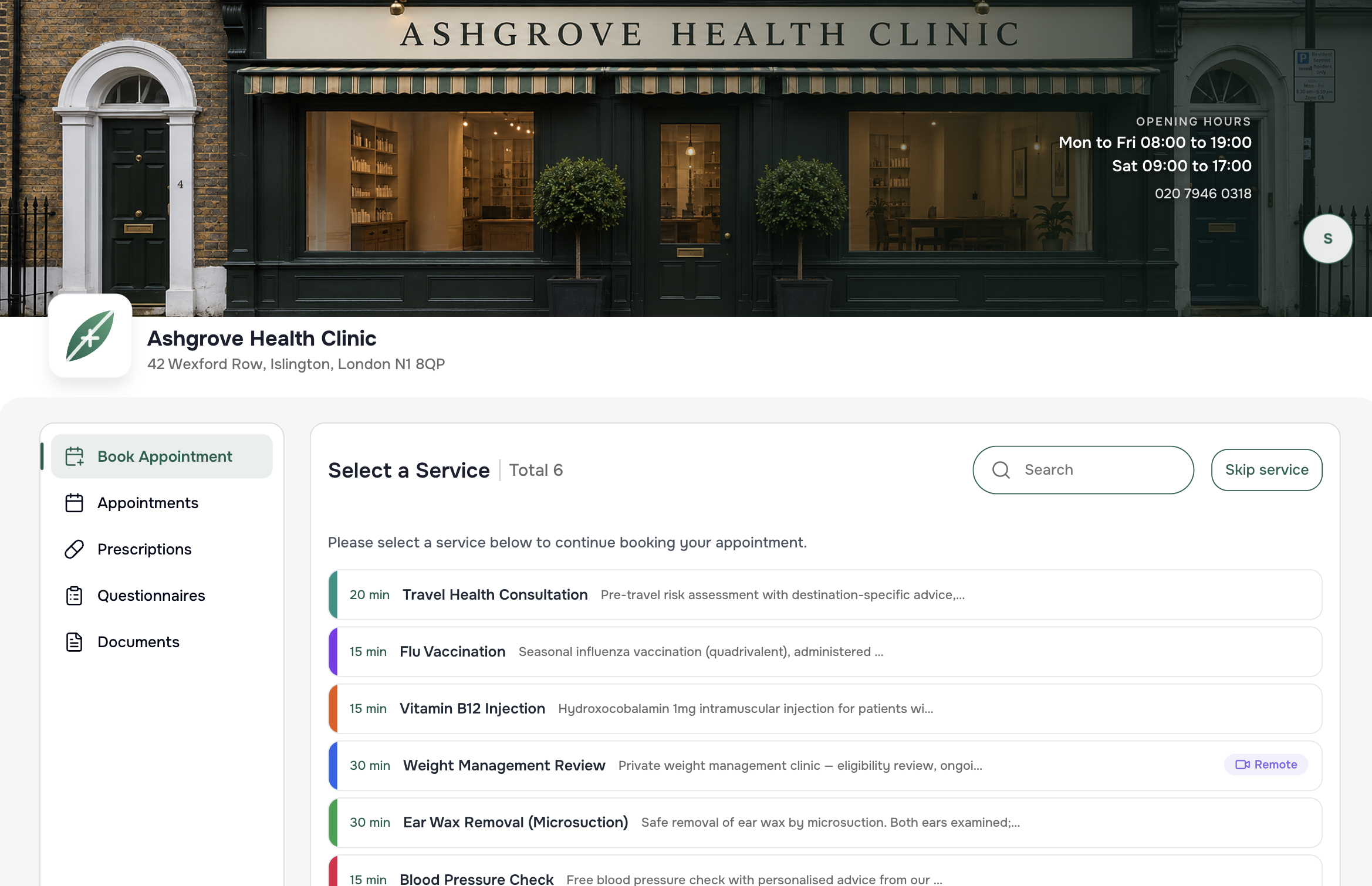
The services you offer, the availability you set
Patients see your range of services and book according to the availability and configuration you have set, so a booking is always one your diary can honour.
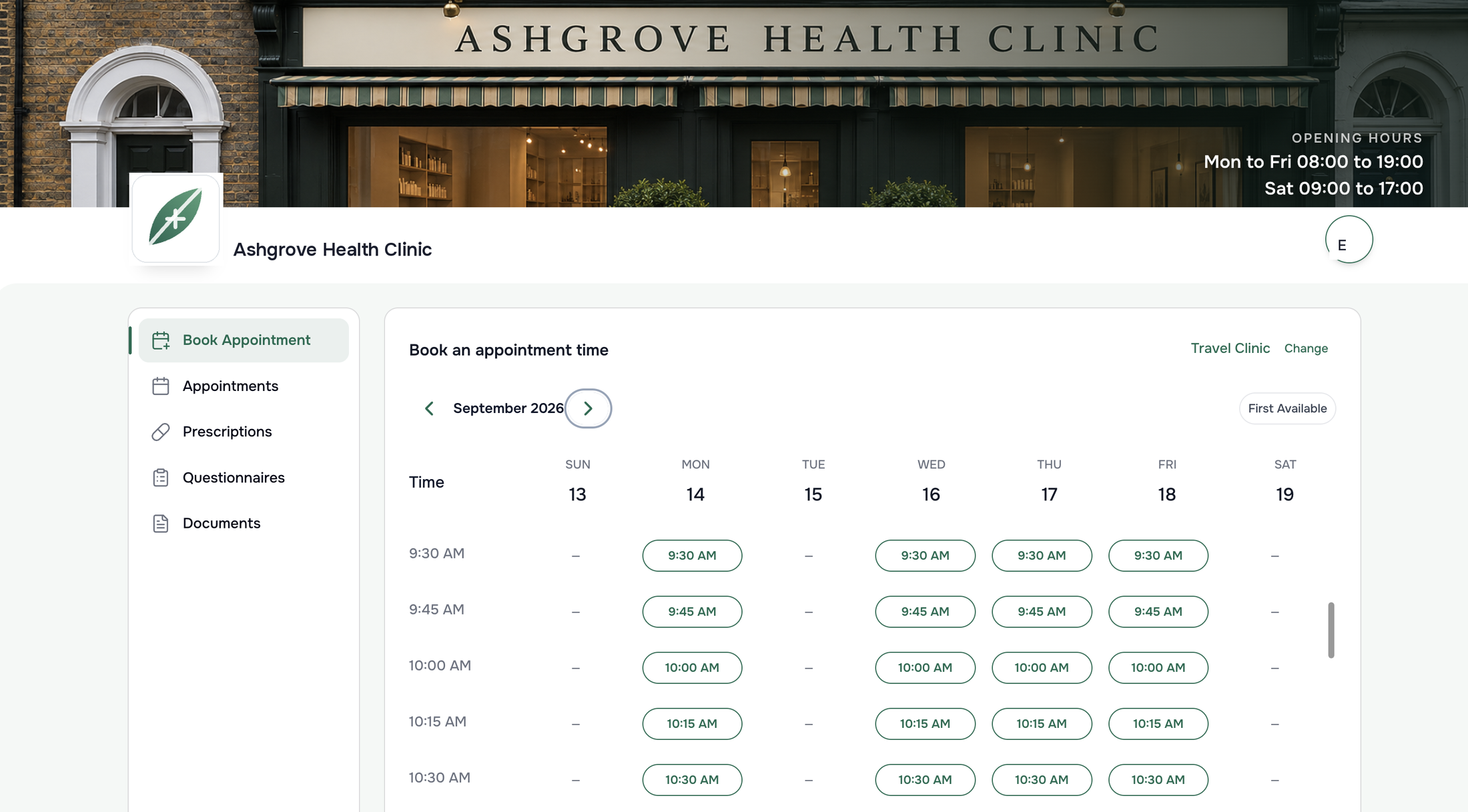
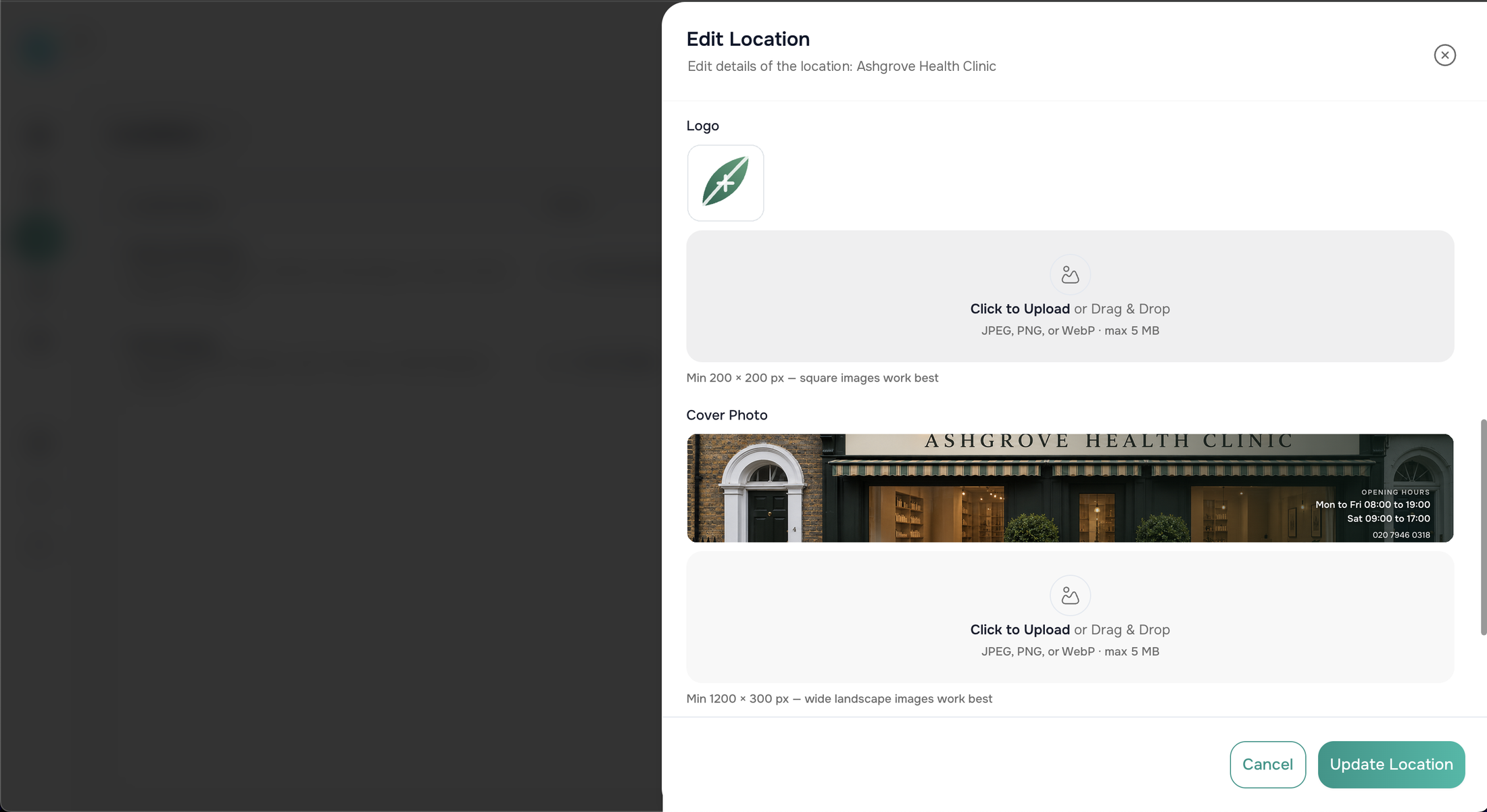
Your logo and your shopfront, not ours
Each location carries its own logo and cover photo, set from the organisation portal in a minute. Patients booking online see your clinic's name over the door and your opening hours, with Scripter nowhere in sight.
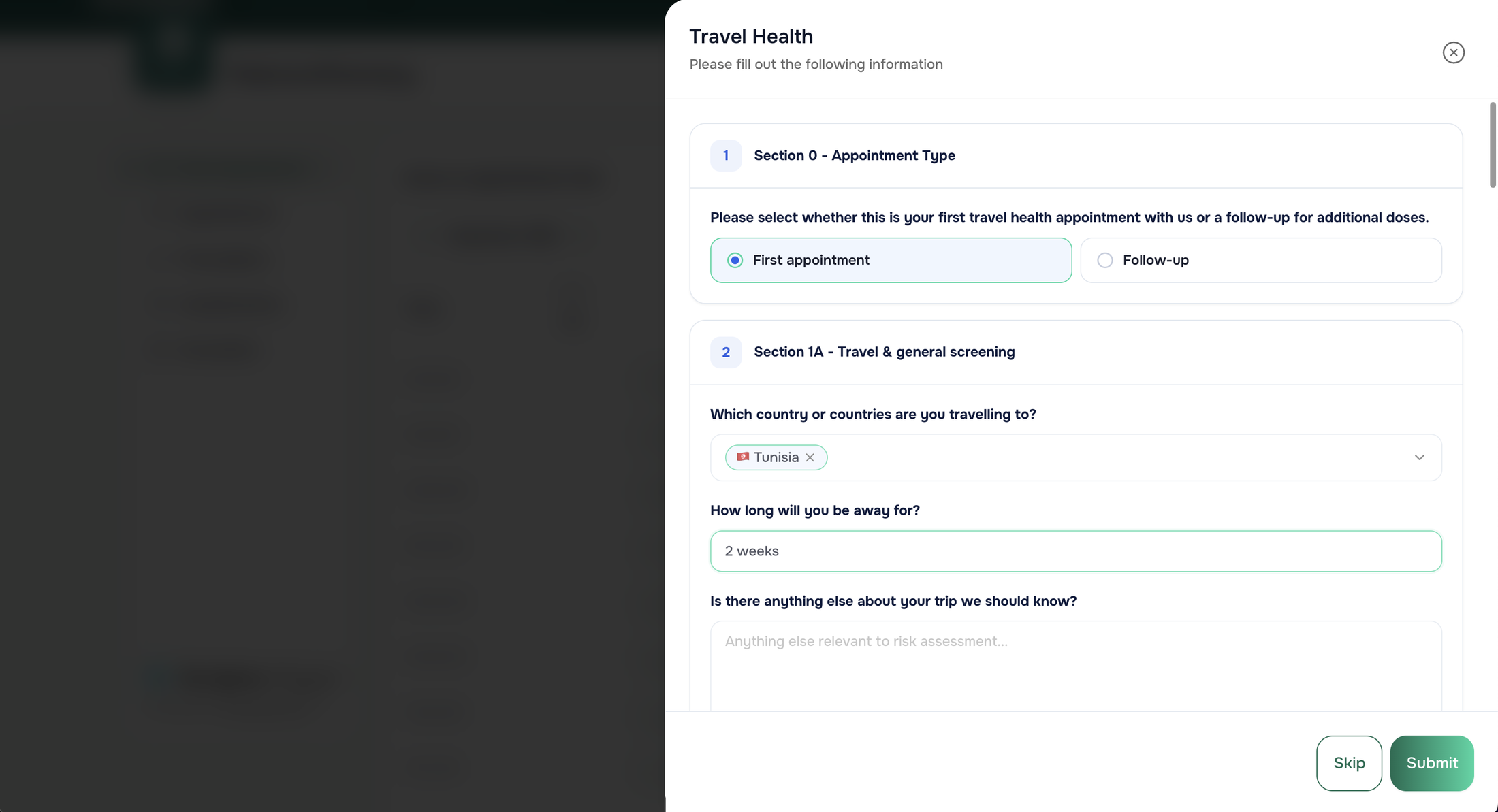
Questionnaires done before the appointment starts
Pre-appointment questionnaires are completed in the portal, so the consultation starts with the answers already on the record instead of spending the first minutes collecting them.
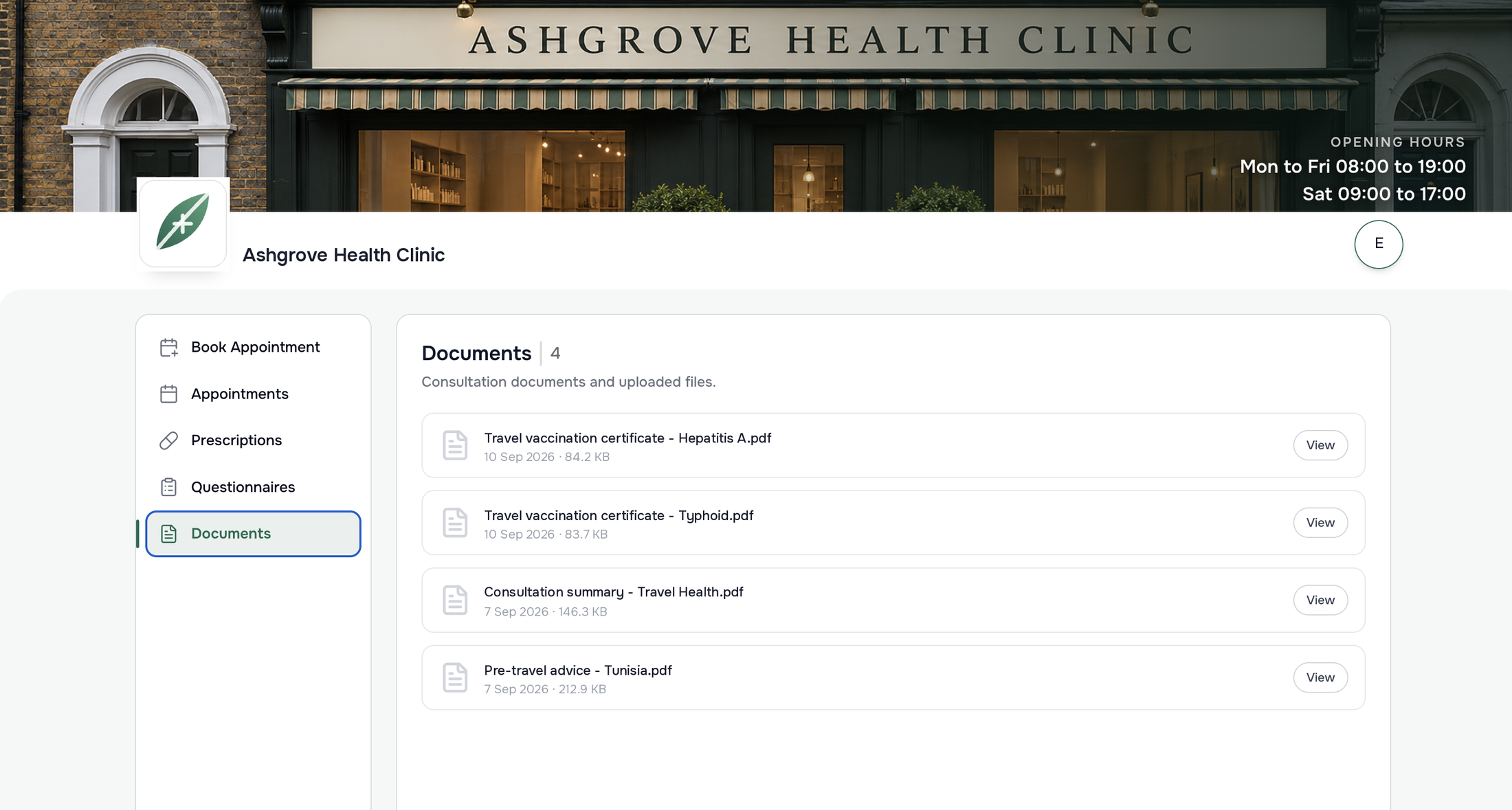
Appointments, medication and a document hub
Patients can look back at historic appointments and medication, and everything shared with them lives in one document hub rather than an email thread.
The other portals.
Each portal is a different view of the same patient record and the same clinical journey.
Organisation portal
The clinic back office: practitioner accounts, locations, compliance and analytics.
Explore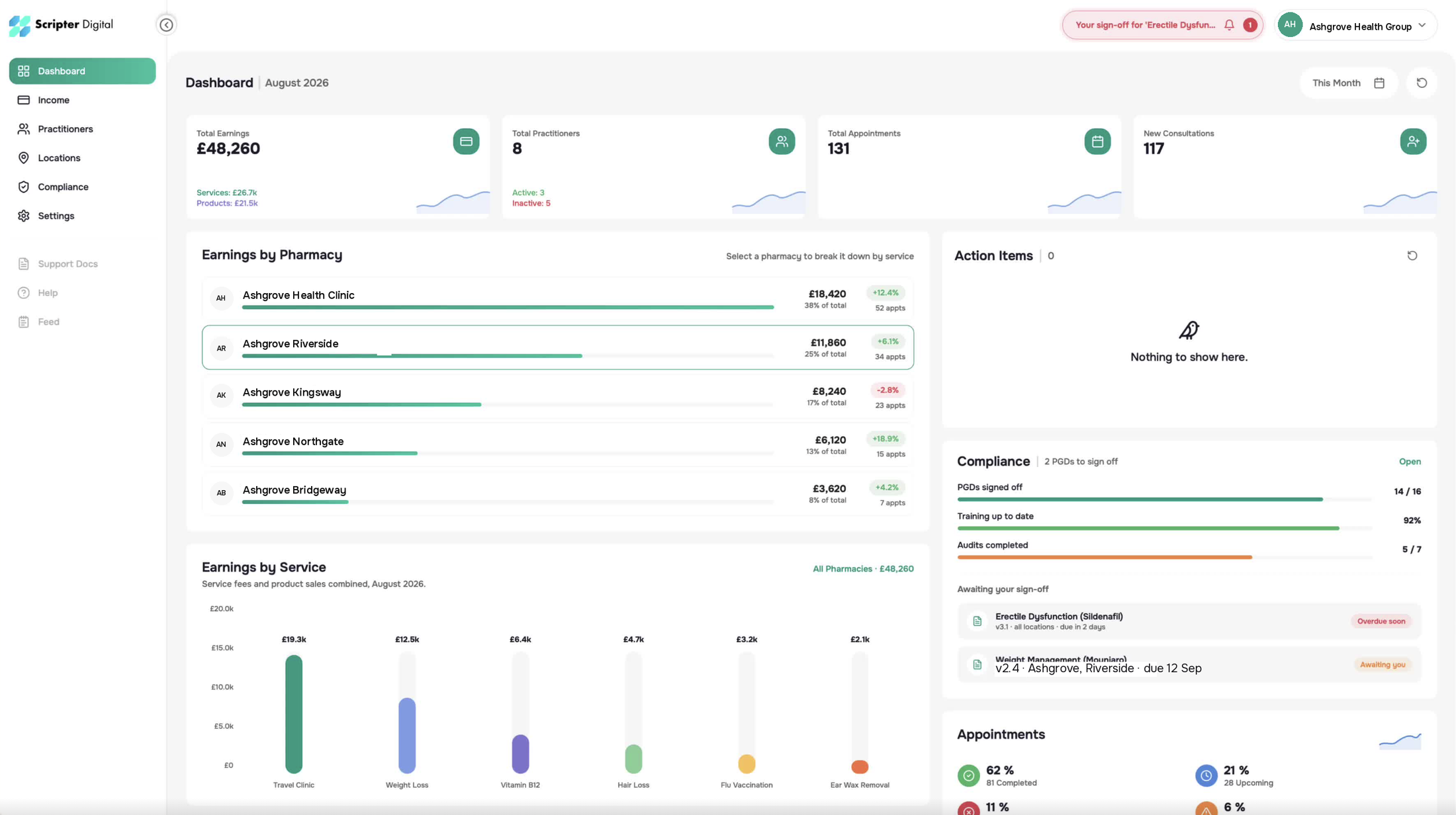
Practitioner portal
Where consultations live: live queue, guided templates, prescriptions and the documents that follow.
Explore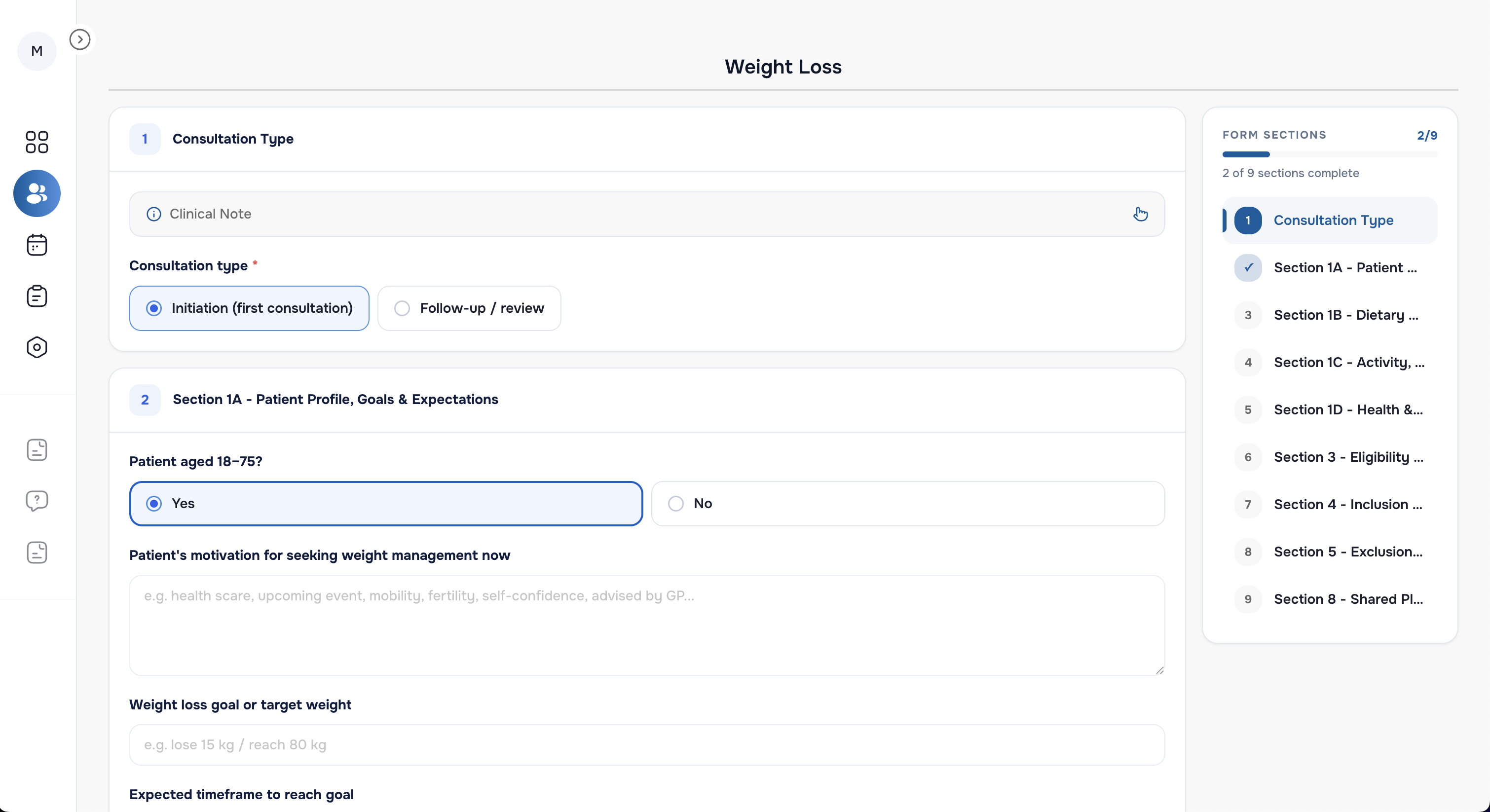
Concierge
A lightweight companion that guides patients on site, from check-in to walk-in.
Explore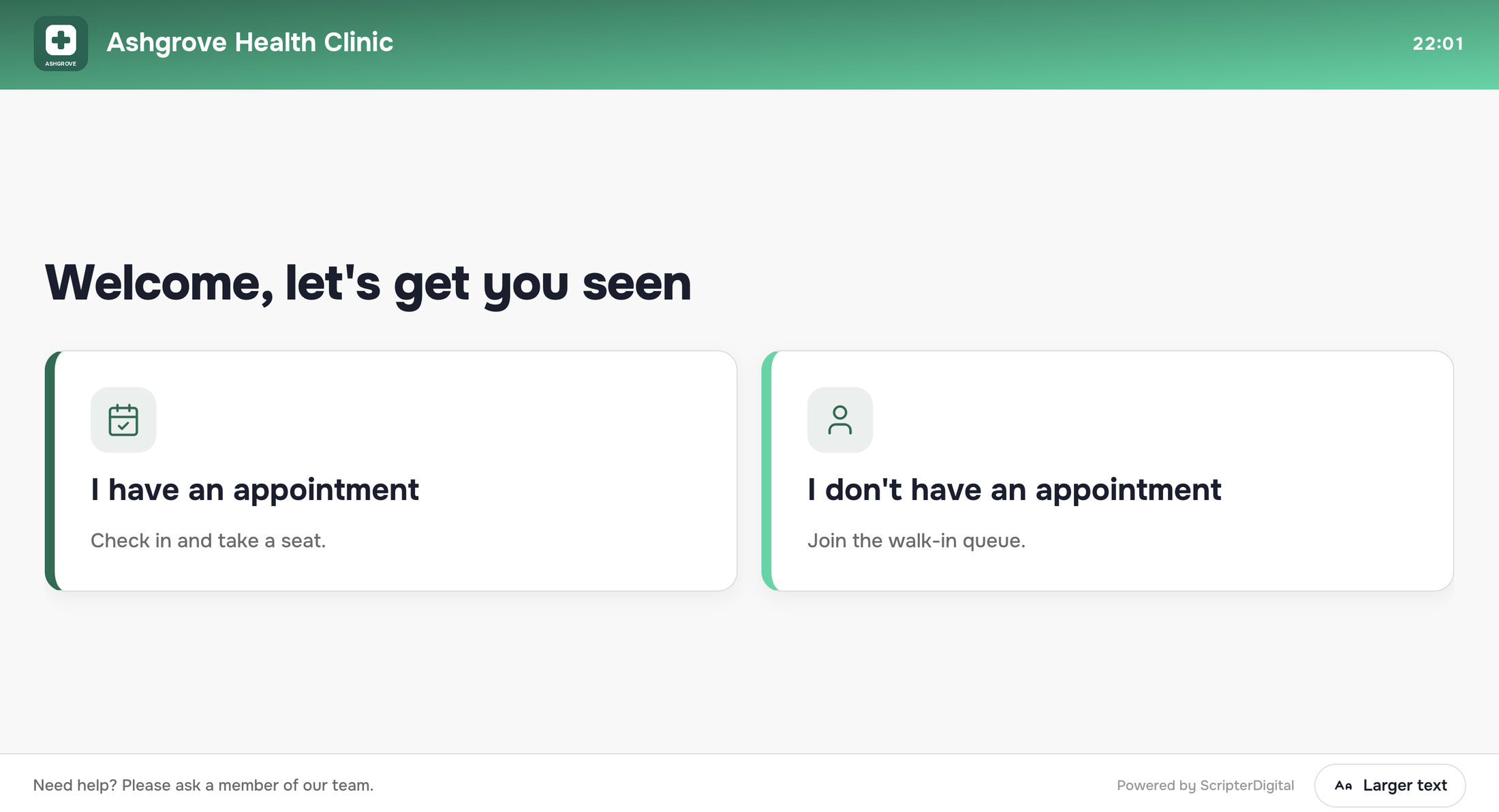
Frequently asked questions
What teams ask most about the patient portal.
See it on your own services.
A free 30-minute demo walks through all four portals on a real setup.